Convert Speech to Text in Seconds
Our advanced Speech to Text tool turns hours of audio into accurate transcripts instantly. Save time and boost productivity.


Upload or drag a video or audio here.
Max 30 minutes or 500MB per file.
Supported file formats: mp3, mp4, mpeg, mpga, m4a, wav, webm, mov
Learn Case Interviews In Under 30 minutes
In History Class Demo
Youtuber video generated by lip syncing
Anime generated by lip syncing
Trusted by Millions of Creators & Brands
Speech to Text in Multiple Languages
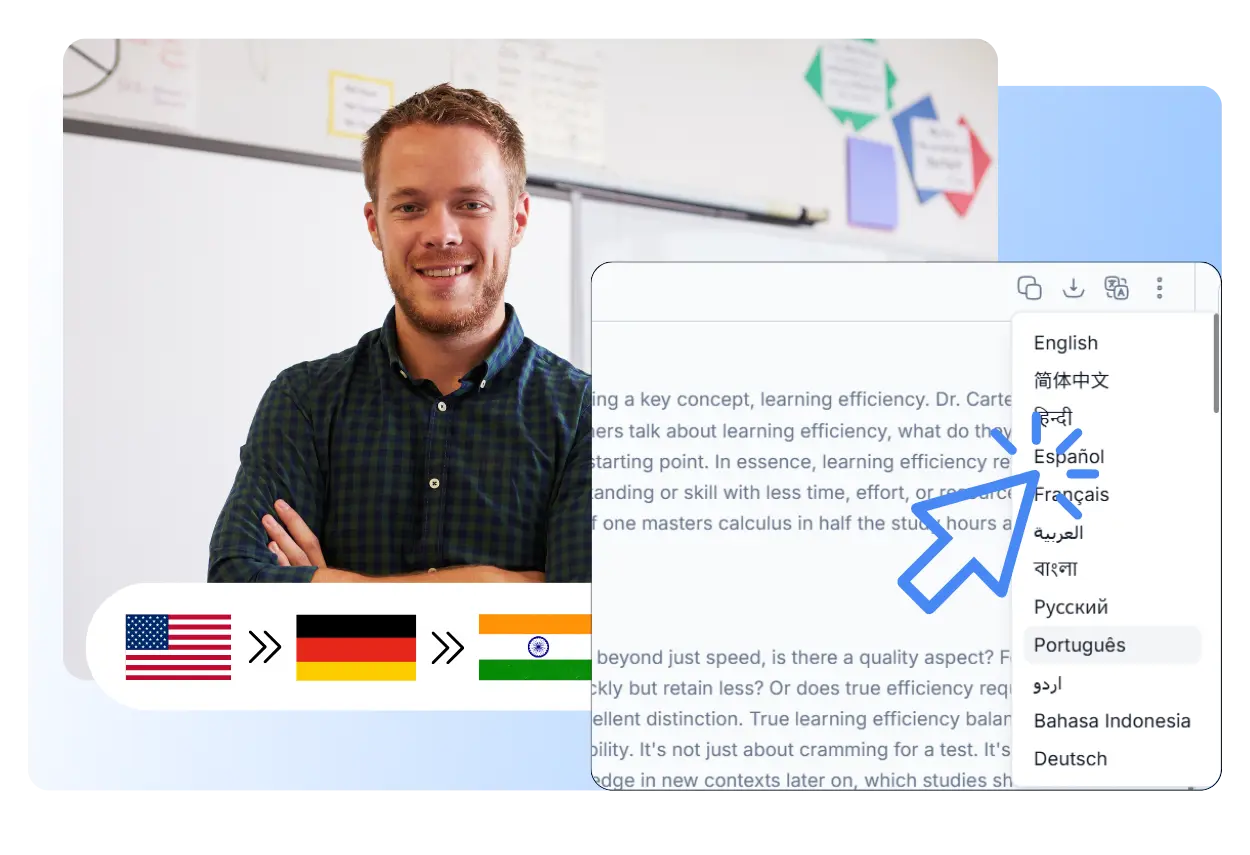
Trying to manually translate a chaotic Spanish interview or a fast-paced Tokyo board meeting? It's a linguistic nightmare. Stop juggling three different translation apps just to understand your own meetings. Our tool natively understands and transcribes over 40 global languages and dialects. Whether your speaker switches from French to English mid-sentence or drops highly localized slang, our AI maps it out accurately so you can connect with your global audience instantly.
Tired of Wrestling with Inaccurate Transcripts?
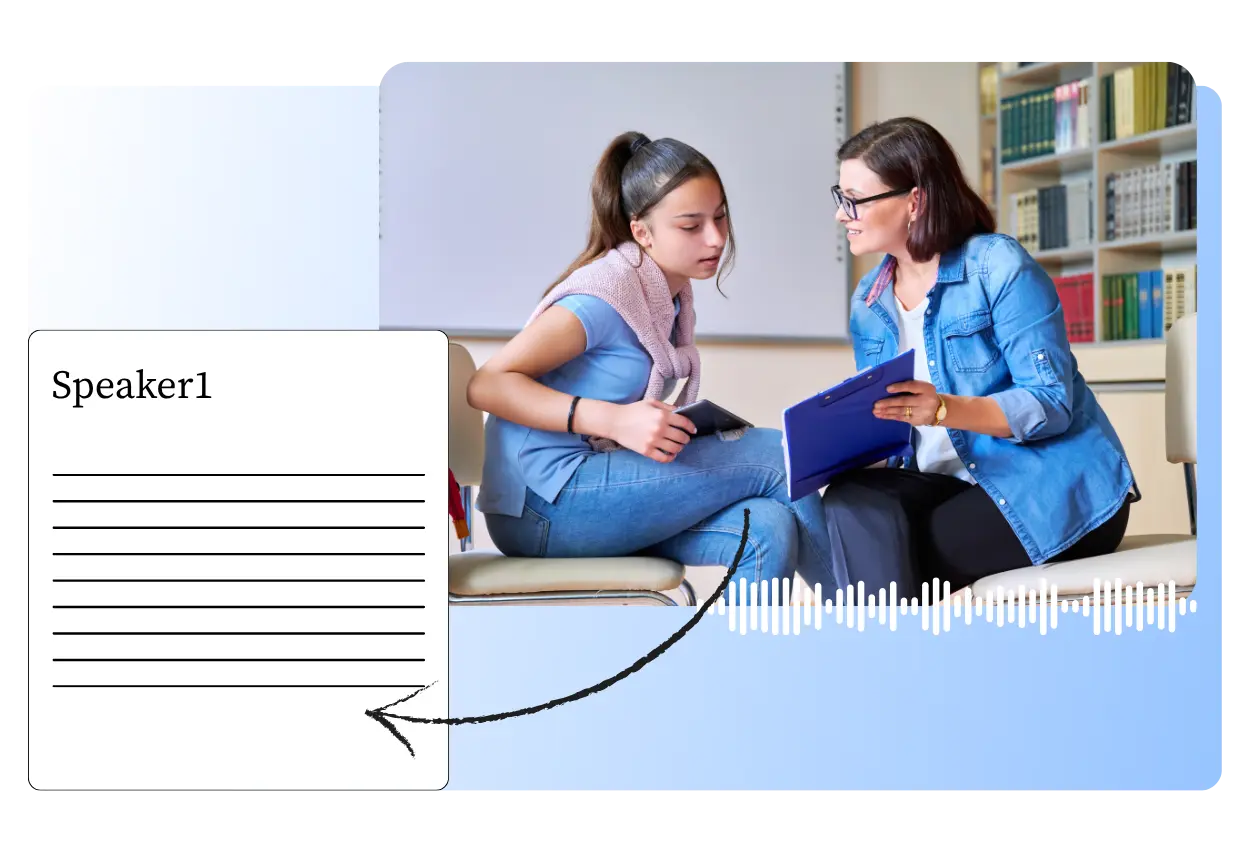
Staring at a screen, trying to fix bizarre typos like "let's eat grandma" instead of "let's meet, Anna" is a massive time sink. You shouldn't have to babysit your transcription software. Powered by an advanced AI model, our speech-to-text engine can accurately capture strong accents, mumbled speech, and complex audio with impressive precision. Simply upload your file, grab a coffee, and come back to a polished, ready-to-use transcript, along with smart summaries, mind maps, and other useful insights generated from your content.
Cleaner Speech to Text with Auto Punctuation
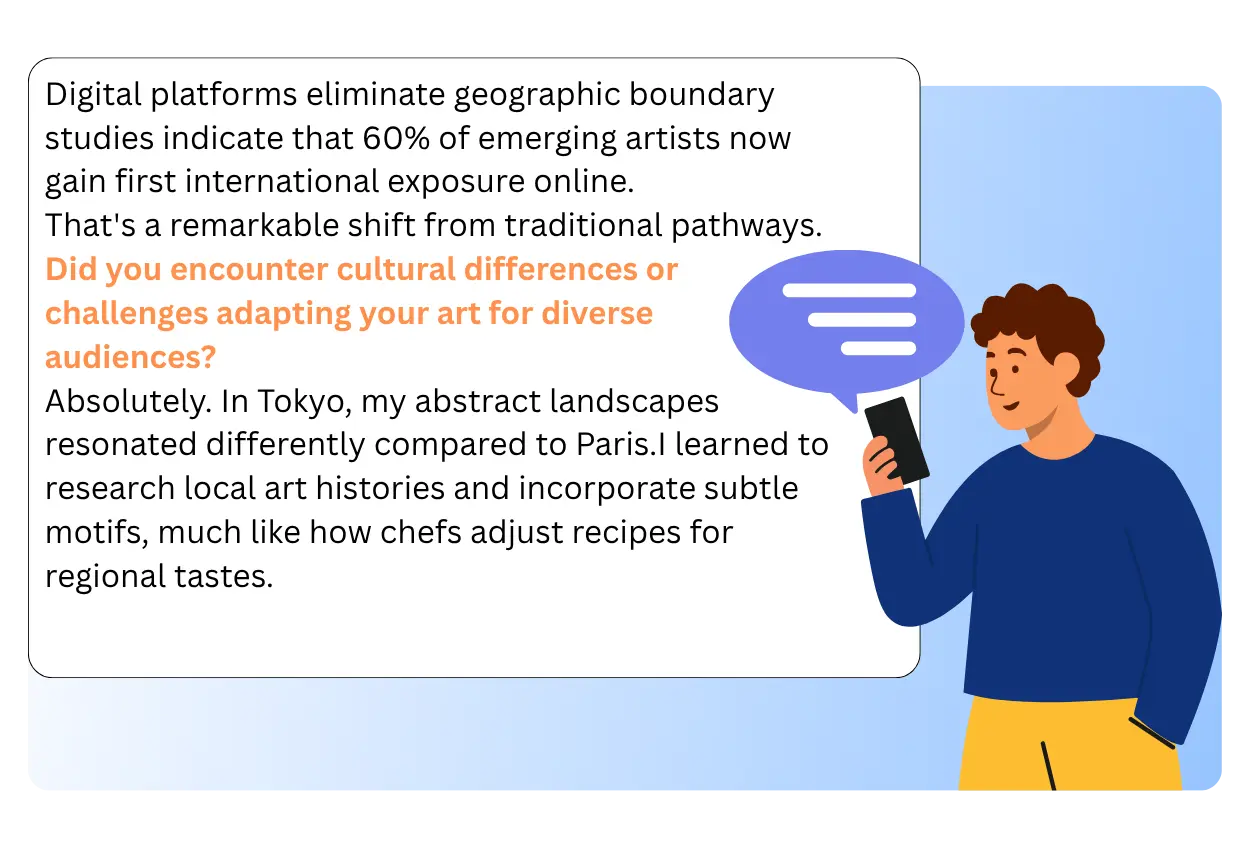
Have you ever tried turning audio into text, only to end up with one long, unbroken block of words? Reading it can feel like finding your way through a maze blindfolded. Unlike many other tools, we solve this automatically. Our intelligent algorithm does more than recognize words. It also analyzes tone, pauses, and speech patterns to add the right commas, question marks, and paragraph breaks. Before you even hit export, your raw and messy audio is transformed into clear, well-structured, and easy-to-read text.
Worried About the Privacy of Your Sensitive Conversations?
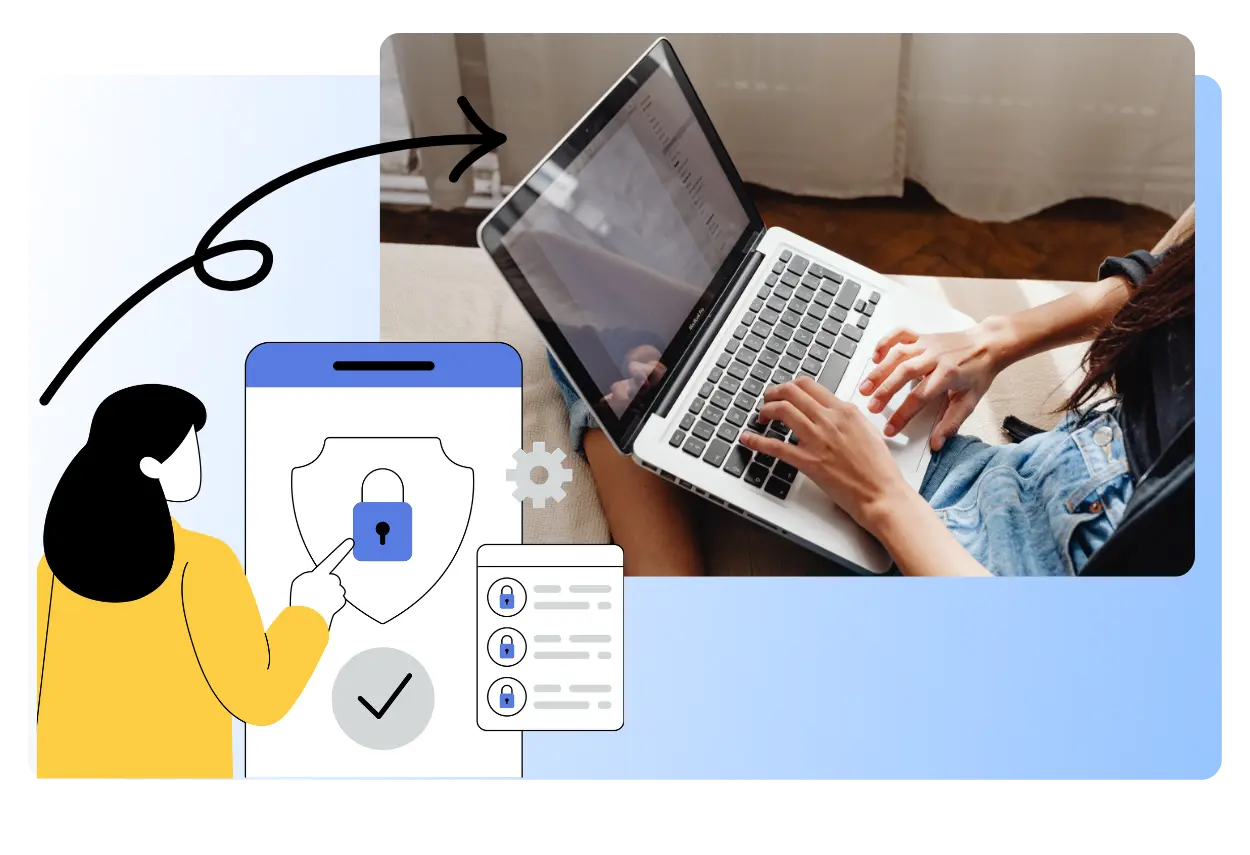
Our service uses strict encryption protocols to protect your content throughout the entire process, so you can upload your files and download your results with confidence. Once your transcript is generated, the original audio file is permanently deleted from our servers. No human eyes ever have access to your data, helping ensure complete privacy and compliance with strict confidentiality standards and privacy regulations.
Fast Speech to Text for Long Audio Files
Watching a loading bar move painfully slowly when a deadline is approaching can be exhausting. You need fast, dependable processing, not more waiting. Our system is constantly optimized to handle even long-form conversation audio efficiently, so you can get your transcript back quickly and keep moving. Spend less time waiting, and more time focusing on what actually matters.
Why Choose Our Speech to Text
No Installation Needed
Everything is accessible directly through your web browser, with no heavy software downloads or annoying updates to manage. Our platform is built for modern, cloud-first workflows. Just open your browser, upload your audio, and start transcribing in seconds. Whether you are using a public terminal or your personal laptop, the tools are always ready whenever you need them.
Cost-Effective
Get professional-quality transcription results without the high cost. Our speech-to-text tool offers free access, making it easy for you to experience fast and accurate transcription without straining your budget. Powered by advanced AI, it can turn audio into clear text in a short time, helping you save hours of manual work.
Continuous Learning
Our AI becomes smarter and more accurate with every update, so you always have access to one of the best transcription engines available. Technology moves fast, and we keep improving with it. Unlike static software that gradually becomes outdated, our AI models continue to evolve over time. That means you can consistently enjoy better transcription quality, stronger performance, and more efficient content creation results.
How to use speech to text converter
Upload a speech
Upload your audio file directly in your browser in just one clicks.Simply drag and drop your file to get started, whether it is a voice note, meeting recording, interview, lecture, or podcast.
AI Transcription
Once your file is uploaded, our AI engine starts processing it automatically with fast and reliable performance. It can quickly turn spoken content into clear, editable text while handling different accents, speaking speeds, and everyday audio conditions in the background.
Review & Export
After the transcription is complete, you can review the text.Then download your transcript instantly in your preferred format, so it is ready to use for notes, reports, subtitles, study materials, or content creation.
Get More Done with Our Speech to Text
Save Time on Every Transcript
Turn audio into clear, editable text in just minutes instead of spending hours typing everything by hand. Whether it is a meeting, lecture, interview, or voice note, our speech to text tool helps you move faster and get more done with less effort.
Make Long Audio Easier to Understand
EzVoice helps you quickly turn long recordings into text that is easier to review, organize, and use. Instead of sorting through messy audio manually, you can capture key ideas and important details faster, making every transcript more useful.
Create More Accessible Content
Make your videos, webinars, and presentations easier for more people to follow. By turning speech into text, you can create captions, subtitles, and readable transcripts that improve accessibility and help your content reach a wider audience.
Fit Seamlessly into Your Workflow
EzVoice's Speech to Text works smoothly across different file types and use cases, from personal notes to business documents and content creation. It gives you a flexible and efficient way to turn spoken content into text, no matter how you work.
Endless Possibilities for Speech to Text




What People Are Saying About Our Speech to text?
" I’ve been using this speech to text tool for interviews, video scripts, and voice notes, and honestly, it makes the whole process so much easier. Instead of replaying audio again and again just to catch every sentence, I can get a readable transcript in a much shorter time. The punctuation is also surprisingly helpful, so the text does not feel messy or hard to edit afterward. "

Marcus T.
Content Creator
" Our team deals with a lot of meeting recordings, and turning them into notes used to take way too long. This speech to text tool helped us speed that up a lot. I like that it is simple to use and does not feel complicated. We just upload the file, wait a bit, and get text we can actually work with. It has been really useful for recaps, follow-ups, and internal documentation. "

Rachel K.
Project Coordinator
" I mostly use this speech to text tool for lectures, research discussions, and quick spoken ideas when I do not want to type everything out. What I like most is that the transcript usually comes out clear enough to organize right away, instead of needing a full rewrite. It saves me a lot of time, especially when I have long audio and need to pull out key points quickly. "

Kevin J.
Graduate Student
FAQs about Speech to Text
What is Speech to Text?
How does Speech to Text work?
What file formats are supported?
Can I use this tool for free?
What file formats can I download?
Is my data used to train the AI?
Ready to Try Speech to Text ?
Manually typing out audio takes time, drains energy, and slows down everything that comes next. Our speech to text tool helps you turn spoken content into clear, editable text in just a few steps. No more replaying the same audio over and over just to catch every word. Just upload your file, let the AI handle the transcription, and spend more time reviewing, editing, and actually using your content.